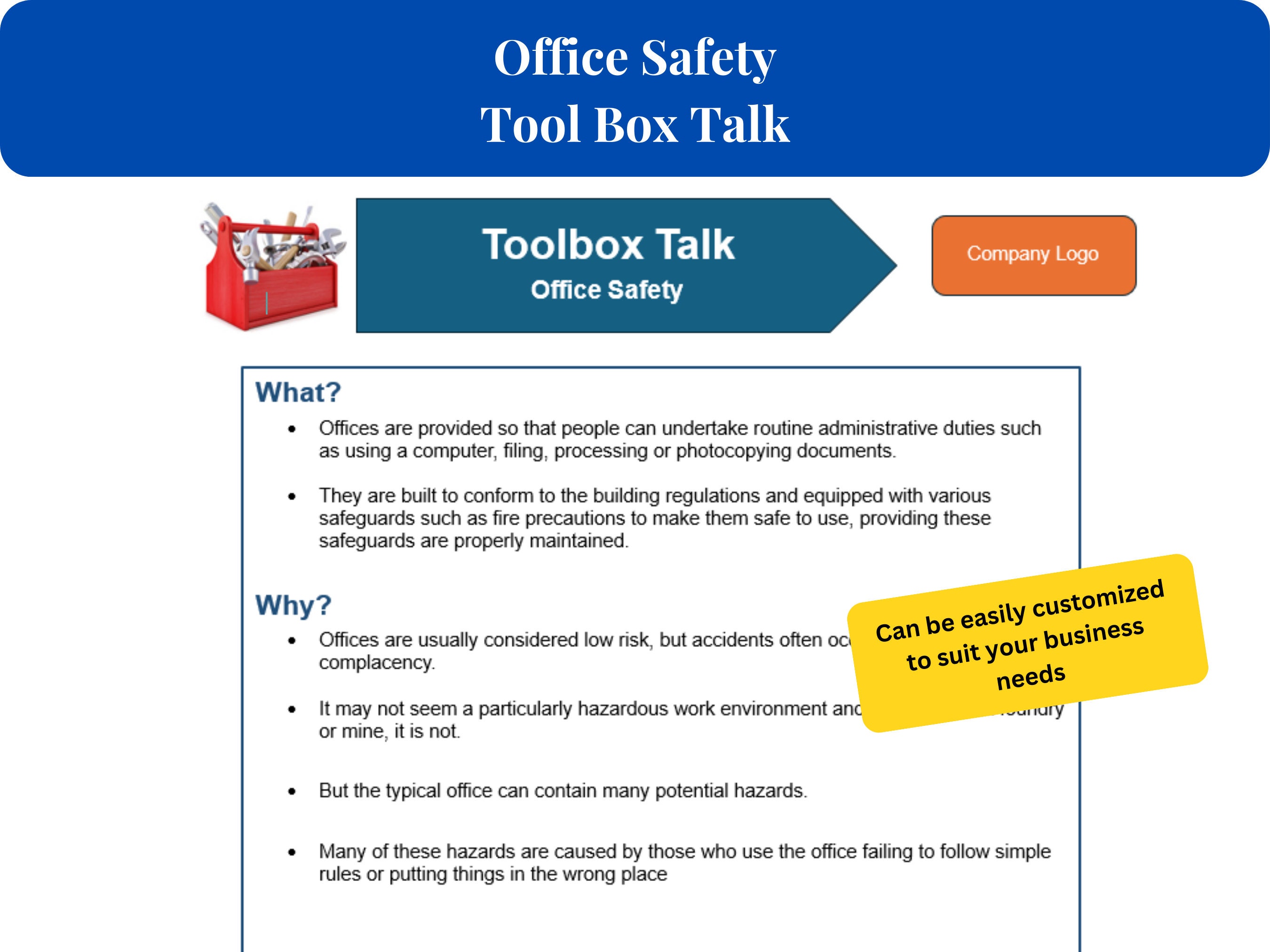
Safety doesn’t start with policies buried in binders—it starts with conversation. On construction sites, manufacturing floors, and field operations, the most effective safety interventions happen in real time, face to face. That’s where the toolbox talk box comes in: not a physical box of tools, but a structured system—digital or analog—for delivering short, focused safety discussions that stick.
The term "toolbox talk box" can be misleading. It’s not a literal container, though some companies use actual boxes to store printed talk materials. More accurately, it refers to a centralized repository or method for organizing, scheduling, and conducting regular safety talks—typically 5 to 15 minutes long—on specific hazards, procedures, or behaviors relevant to the day’s work.
These talks aren’t just compliance theater. When done right, they reduce incidents. Studies show that frequent, relevant safety discussions improve hazard recognition, increase accountability, and foster a culture where workers speak up. But too many organizations run them on autopilot—same topic, same script, same disengaged audience. The toolbox talk box fixes that by bringing structure, variety, and accessibility to safety communication.
Let’s break down how it works, where it fails, and how to make it work for your team.
Why the Toolbox Talk Box Is More Than a Gimmick
A well-maintained toolbox talk box ensures that safety talks don’t repeat the same three topics every quarter. Instead, it rotates through relevant themes: ladder safety, electrical hazards, PPE compliance, heat stress, or near-miss reporting. It might include visual aids, discussion prompts, and sign-in sheets—all organized and ready to go.
Without a system, supervisors often wing it. That leads to inconsistent messaging, missed topics, and poor documentation. The toolbox talk box eliminates guesswork. It’s a curated library that makes delivery easier and follow-up possible.
For example, a roofing crew preparing for summer work can pull a pre-built talk on heat exhaustion from the box. It includes a checklist of early symptoms, hydration tips, and a discussion question: “What would you do if a teammate started slurring their words on site?” That specificity drives engagement far more than a generic “stay safe” reminder.
Common Mistakes That Undermine the Process
Even with a toolbox talk box in place, many teams fail to get results. Here are the most frequent missteps:
- One-size-fits-all talks: A talk on forklift safety won’t resonate with electricians. The box must support role-specific content.
- No follow-up or tracking: If there’s no way to log who attended or what was discussed, the talk has no audit trail.
- Monologue instead of dialogue: A supervisor reading from a script loses attention fast. The best talks invite input.
- Too infrequent or poorly timed: Holding talks only on Mondays ignores changing conditions. If a new hazard emerges midweek, the box should support an immediate add-on session.
- Outdated or irrelevant topics: A talk on winter traction in July feels pointless. The box must allow seasonal or situational updates.
Fixing these issues starts with treating the toolbox talk box as a living system—not a compliance checkbox.
The Modern Toolbox Talk Box: Digital vs. Physical

While some crews still use a physical box filled with laminated cards and sign-in sheets, digital versions are gaining ground. Each approach has strengths.
#### Physical Toolbox Talk Box Best for remote sites with limited connectivity. Crews can grab a topic card, gather in a circle, and conduct the talk without devices. It’s tactile, simple, and doesn’t rely on power or Wi-Fi.
However, tracking attendance, storing records, and updating content is manual. Lost sheets, illegible signatures, and outdated materials are common problems.
#### Digital Toolbox Talk Box Software platforms and mobile apps now serve as virtual talk boxes. They offer: - Scheduled topics - Digital sign-ins with time stamps - Photo or video attachments - Multilingual support - Analytics on participation and completion
These tools integrate with safety management systems, making audits easier and trends visible. A supervisor can run a report showing that 70% of incidents last month followed days with low talk attendance—a powerful insight.
But digital systems require training and access to devices. In some environments, that’s a barrier.
The best solution often blends both: digital for management and tracking, physical for delivery in the field. For instance, a supervisor downloads the week’s talks to a tablet, prints key visuals, and uses a clipboard for signatures—then uploads data later.
5 Top Tools That Function as a Digital Toolbox Talk Box For teams ready to upgrade, these platforms turn safety talks into structured, trackable events:
| Tool | Key Features | Best For |
|---|---|---|
| SafeSite Check In | QR code-based sign-ins, customizable talk templates, real-time reporting | Field crews with rotating teams |
| iAuditor by SafetyCulture | Drag-and-drop talk builder, photo evidence, offline mode | Multi-trade operations |
| Procore (Safety Module) | Integrated with project management, automated scheduling | Large construction firms |
| eCompliance | Behavior-based safety talks, analytics dashboards, mobile access | Safety-driven cultures |
| Penspen Safety App | Pre-built OSHA-aligned topics, multilingual talks, audit trails | International or diverse teams |
Each supports a digital “talk box” that’s searchable, updatable, and measurable. The right choice depends on your team size, tech comfort, and reporting needs.
How to Build an Effective Toolbox Talk Box (Step by Step)
Creating an effective system takes more than downloading a template. Follow this process:
1. Audit Current Safety Risks Review incident reports, near misses, and audit findings. Identify the top 10 hazards your team faces. These become your core topics.
2. Develop a 12-Week Rotation Spread topics across quarters. Include seasonal themes (e.g., sun safety in summer, ice awareness in winter) and recurring priorities (PPE, lockout/tagout).
3. Write for Interaction, Not Reading Each talk should include: - A brief hazard description (1–2 sentences) - A real-world example (“Last month, a worker in Dallas suffered second-degree burns when…”) - 2–3 discussion questions - A clear action step (“Today, check your gloves for tears before starting”)
4. Assign Talk Leaders Rotate responsibility among crew leads. It builds ownership and prevents fatigue.
5. Store and Distribute Consistently Use a shared drive, app, or physical binder. Label topics clearly. Update quarterly.
6. Track and Review Collect sign-ins. Note which talks sparked discussion. Adjust topics based on feedback and trends.
Real-World Use Case: Reducing Hand Injuries on a Pipeline Project
A mid-sized pipeline contractor had a spike in hand injuries—cuts, crushes, pinches. Their old safety talks covered general PPE but didn’t address specific tasks like pipe threading or valve handling.
![How to Lead a Work Area Housekeeping Toolbox Talk [+ Template]](https://cdn.prod.website-files.com/62294553e9aeea20d15d7bc2/63f784ce55a35a80a1ec43f1_1.webp)
They rebuilt their toolbox talk box with six targeted sessions: - Glove selection for different tasks - Safe hand placement during alignment - Tool inspection routines - Emergency response for hand injuries - Case study: a recent incident on another site - “Show and Tell” session where workers demonstrated their preferred gloves
Each talk included a quick demo and a discussion prompt. Supervisors used photos from past incidents (with consent) to show real consequences.
Over three months, hand injuries dropped by 62%. Workers reported feeling more aware of pinch points and more comfortable stopping work when gloves were compromised.
The difference wasn’t just the content—it was the system. The toolbox talk box ensured the right topics were delivered consistently, with space for workers to engage.
Limitations to Acknowledge
Even the best toolbox talk box can’t fix deeper safety culture issues. If workers fear retaliation for speaking up, no amount of structured talks will change behavior. Similarly, if management ignores talk feedback—like repeated concerns about faulty equipment—the process becomes a farce.
Also, over-reliance on the box can create rigidity. Some teams follow the schedule so strictly they miss emerging risks. The box should support, not replace, on-the-spot safety conversations.
Finally, language barriers and literacy levels matter. A talk written in technical English won’t land with a multilingual crew. Visuals, translation, and simple language are essential.
Make It Work: Practical Workflow Tips
- Start small: Launch with 8 core topics, not 50.
- Time it right: Conduct talks just before starting high-risk tasks.
- Use visuals: A photo of a damaged harness beats a paragraph describing it.
- Rotate facilitators: Let experienced workers lead a session.
- Close with action: End every talk with a concrete step, like checking a specific tool.
- Review quarterly: Retire outdated topics, add new ones based on incident trends.
A toolbox talk box isn’t about flashy tech or perfect binders. It’s about making safety communication practical, consistent, and participatory. Whether you use a weathered plastic crate or a cloud-based app, the goal is the same: to turn safety from a policy into a practice.
Build your box around real risks, real people, and real conversations. Review it often. Let workers shape it. When done right, it’s not just a tool—it’s a foundation for a safer workplace.
FAQ
What is a toolbox talk box? A toolbox talk box is a system—physical or digital—for organizing and delivering short, focused safety discussions on job sites.
How often should toolbox talks be held? Ideally weekly, or before starting high-risk tasks. Frequency depends on project duration and hazard level.
Can a toolbox talk box reduce accidents? Yes, when talks are relevant, interactive, and tied to actual site conditions. Engagement is key.
Who should lead a toolbox talk? Supervisors typically lead, but rotating among experienced team members improves engagement.
Do digital toolbox talk tools work offline? Some do, like iAuditor and certain Procore workflows. Check offline capabilities before choosing.
How do you make toolbox talks more engaging? Use real examples, ask open-ended questions, include demonstrations, and keep them under 15 minutes.
Should toolbox talks be documented? Yes. Attendance, topic, and key points should be recorded for compliance and trend analysis.
FAQ
What should you look for in What Is a Toolbox Talk Box and Why It Matters? Focus on relevance, practical value, and how well the solution matches real user intent.
Is What Is a Toolbox Talk Box and Why It Matters suitable for beginners? That depends on the workflow, but a clear step-by-step approach usually makes it easier to start.
How do you compare options around What Is a Toolbox Talk Box and Why It Matters? Compare features, trust signals, limitations, pricing, and ease of implementation.
What mistakes should you avoid? Avoid generic choices, weak validation, and decisions based only on marketing claims.
What is the next best step? Shortlist the most relevant options, validate them quickly, and refine from real-world results.




:max_bytes(150000):strip_icc():focal(749x0:751x2)/michael-jackson-Jafar-Jackson-tout-021424-09f2c7134c534740807a7033577a917a.jpg)
